Okta warns Microsoft 365 users of passkey vishing scam
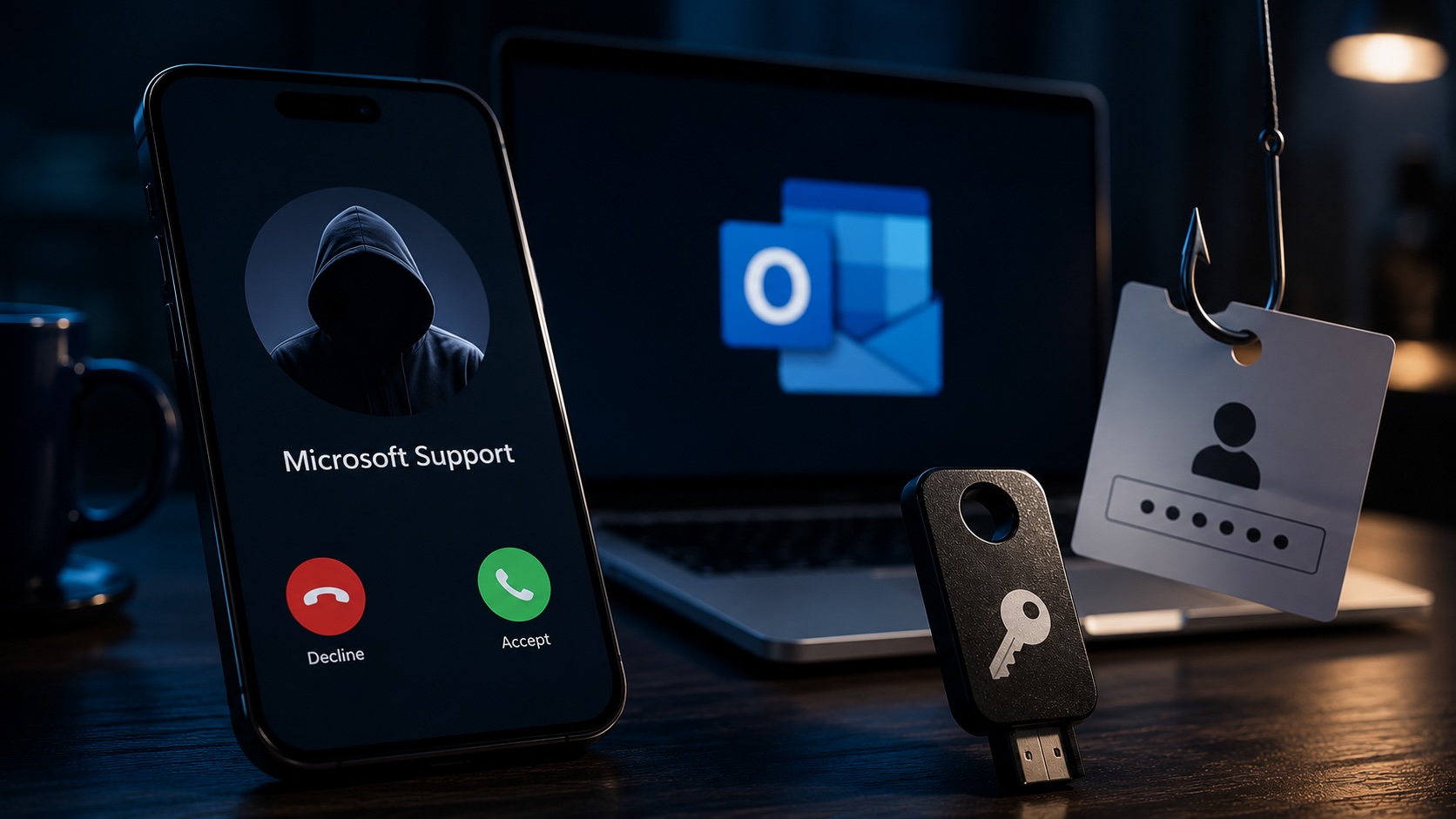
Okta warns a vishing campaign since April uses voice calls and fake Microsoft Entra ID passkey enrollment pages to steal Microsoft 365 credentials and register attacker-controlled passkeys.
Okta is warning customers that a vishing campaign beginning in April uses voice calls and fake Microsoft Entra ID passkey enrollment pages to collect Microsoft 365 usernames and passwords and to enroll passkeys controlled by attackers. The campaign targets organizations in the automotive, aviation, construction, food and beverage, healthcare and technology sectors. Okta tracks the actor as O-UNC-066, also known as CL-CRI-1147 and Pink, and links the activity to data extortion.
Attackers register domains that include the word “passkey” and direct victims to pages that closely mirror Microsoft’s passkey enrollment flow. The phishing pages load branding and content from Microsoft’s content delivery network and are customized from a backend PHP control panel. Okta notes the toolkit is operator-controlled and does not automatically harvest credentials.
During calls, operators tell recipients they must register a new passkey and prompt them to enter their Microsoft 365 username and password on the fake pages. After credentials are entered, the pages display a processing screen while operators log in to the real account to check which multi-factor authentication method is enabled. Operators then present a staged MFA prompt that matches the account’s setup, including SMS one-time codes, time-based codes or push approvals.
The phishing pages include anti-analysis checks, may request a password without redirecting to a federated identity provider, and adapt content and notifications during sessions to match the victim’s MFA. Okta wrote, “It appears engineered to convince a targeted user they are in the process of enrolling a passkey with Microsoft, while the threat actor simultaneously registers their own passkey in the targeted user’s Microsoft account.”
Victims are redirected to a fake passkey registration page and asked to save a recovery key taken from a list of BIP-39 seed phrases controlled by the attacker, then to verify the final word of the phrase. Okta noted that BIP-39 phrases are not used by Microsoft Entra, and the company says the step appears to be a distraction while the attacker enrolls a passkey in the account.
When an attacker enrolls a passkey, Microsoft sends a legitimate notification email to the account owner. Okta explains attackers can register a passkey with a benign name and gain a persistent authentication factor in the account. The advisory states the campaign started in April and that operators use a near-real-time workflow to guide victims through each stage of the attack.
Articles by this author