What Is Full Disk Encryption?

Full disk encryption makes information stored on a device unreadable without approved credentials or a recovery key. Learn how FDE works, what threats it addresses, and why organizations deploy it across managed endpoints.
On this page
Full disk encryption protects information stored on laptops, desktops, and removable drives. Instead of securing selected documents, it encrypts the storage volume as a whole, reducing the chance that sensitive files, temporary data, or system records remain exposed. For organizations managing mobile devices, FDE provides a consistent security layer when a device is lost, stolen, or removed from service.
What Is Full Disk Encryption (FDE)?
Full disk encryption, or FDE, is a security method that converts data stored on a drive into unreadable ciphertext. The protected content can only be accessed after the device or volume is unlocked with approved credentials and the correct encryption key. Depending on the product, FDE may cover the operating system, applications, user files, swap space, caches, and other data stored on the encrypted volume. NIST identifies full disk encryption as one of the principal storage-encryption methods used to prevent unauthorized access to information on end-user devices.
In practical terms, the full disk encryption meaning is simple: someone who takes possession of the physical drive should not be able to read its contents without authorization. Even if the drive is removed and connected to another system, the encrypted data remains unintelligible.
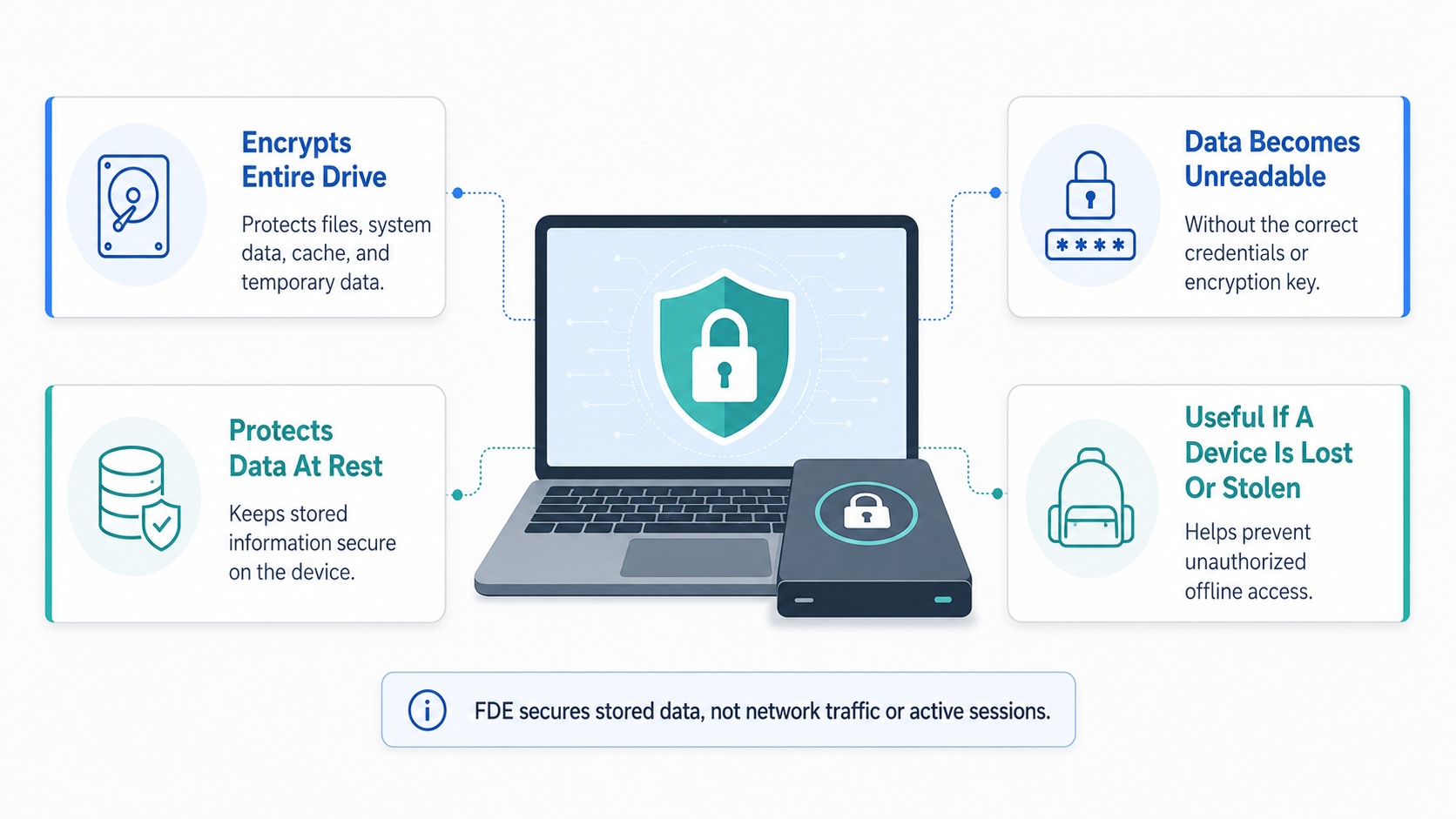
Full-disk encryption differs from file-level encryption. File-level tools protect selected files or folders, while FDE automatically protects data written to the encrypted volume. This broader coverage reduces reliance on users deciding which files are sensitive.
Common full disk encryption products include Microsoft BitLocker for Windows and Apple FileVault for macOS. Microsoft describes BitLocker as encryption for entire volumes, while Apple supports centralized FileVault deployment, policy enforcement, and recovery-key management for business devices.
FDE protects data at rest, but it is only one part of a broader storage security strategy. To understand how full-disk encryption compares with other methods used to secure stored information, read our guide to encryption at rest. It does not replace network encryption, application security, identity controls, backups, or endpoint detection.
How Does Full Disk Encryption Work?
Full disk encryption software uses a symmetric encryption algorithm to transform readable data into ciphertext before it is written to storage. When an authorized user opens a file, the system decrypts the required data in memory and presents it normally. This happens automatically, so users can work without manually encrypting each item.
The encryption key is the critical secret. It is usually protected by a password, PIN, hardware security component, recovery key, or a combination of controls. The user’s password generally unlocks or helps release the encryption key rather than directly encrypting every file.
On many Windows devices, BitLocker can work with a Trusted Platform Module, or TPM, to check whether the startup environment has been altered. Administrators may also require a PIN or startup key before the operating system loads. Apple FileVault uses authorized users, secure tokens, and managed recovery-key workflows to control access to encrypted Mac storage.
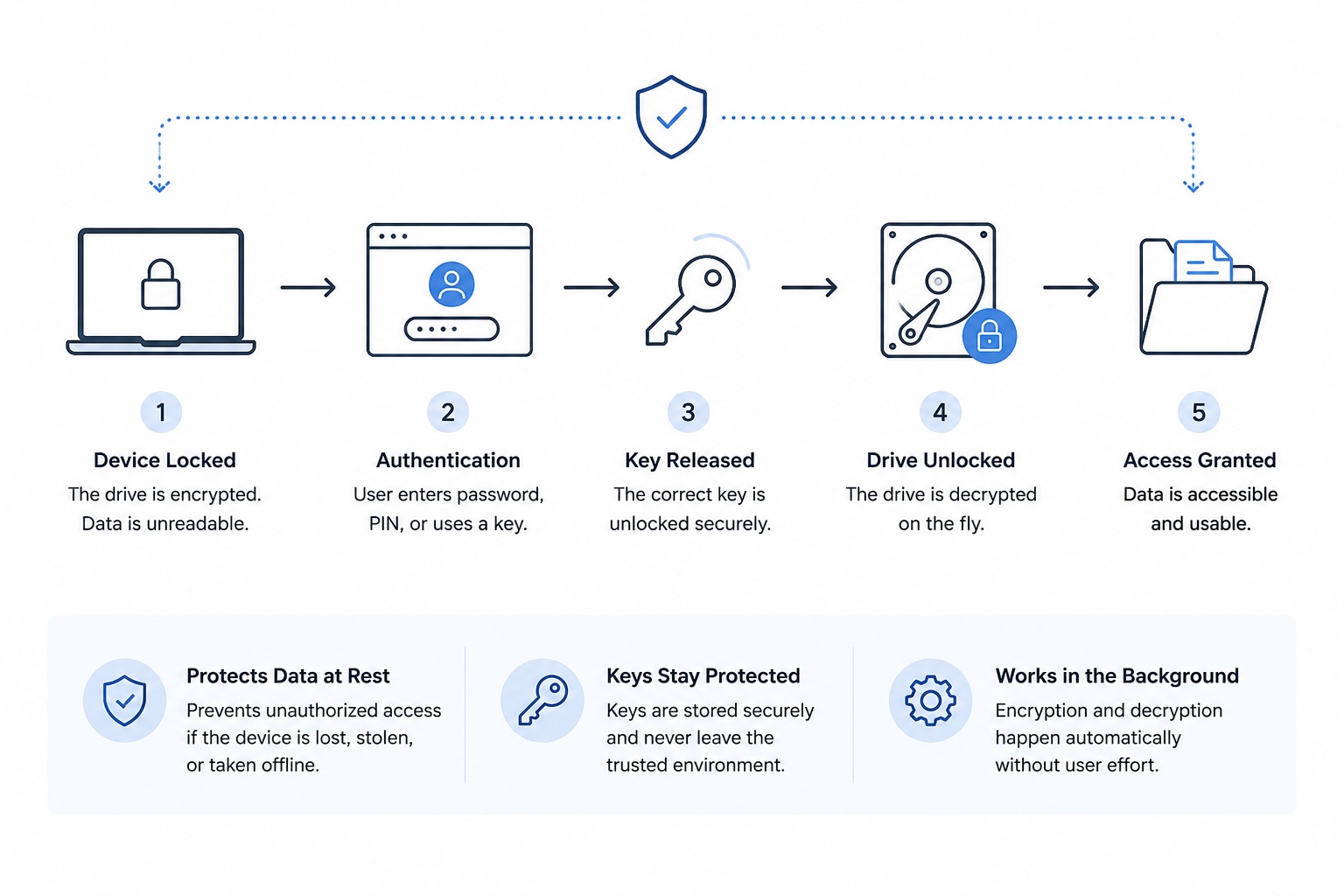
This explains how full disk encryption protects a device during an offline attack. Without successful authentication, an attacker cannot simply boot another operating system, use a recovery tool, or move the drive to another machine to browse its contents.
What does full disk encryption protect against? Its strongest use case is unauthorized physical access to a powered-off, locked, hibernating, lost, stolen, or improperly decommissioned device. Microsoft specifically positions BitLocker as protection against data exposure from lost, stolen, and incorrectly retired hardware.
FDE is not designed to stop every compromise. After a legitimate user signs in and the volume is unlocked, malware, a malicious insider, or an attacker controlling the session may still access readable data. Endpoint security and access management therefore remain necessary.
If credentials fail or hardware changes, a recovery key may be needed. Organizations should escrow recovery keys securely, restrict access to them, and test recovery procedures before an incident occurs.
Why Is FDE Important?
Businesses store valuable information across employee laptops, executive devices, workstations, and portable media. These endpoints may contain customer records, source code, financial documents, credentials, contracts, and internal communications. A misplaced laptop can create serious exposure if its storage is not encrypted.
FDE is especially important for remote and hybrid work, where devices regularly leave controlled office environments. It also supports safer device repair, reassignment, return, and disposal. Instead of depending on employees to identify and protect every sensitive file, organizations can apply a baseline encryption policy across the managed fleet.
Business-grade full disk encryption solutions add centralized administration. Security teams can enforce encryption, verify device status, store recovery information, generate compliance reports, and identify systems that fall out of policy.
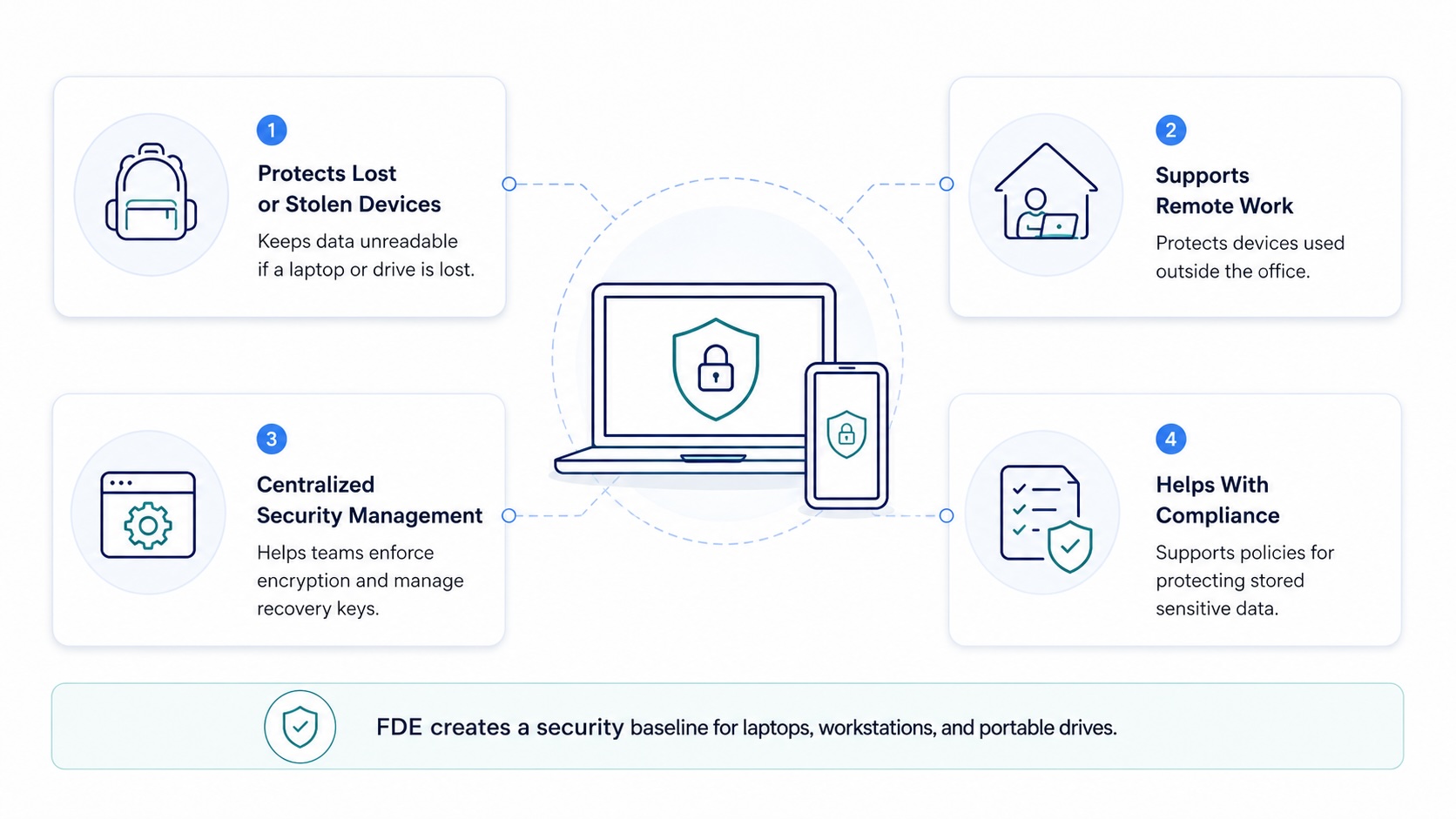
Native full disk encryption products such as BitLocker and FileVault can often be managed through existing endpoint or device-management platforms. Third-party tools may provide wider cross-platform support, additional reporting, or integration with established security workflows. Apple, for example, allows organizations to require FileVault during device setup and escrow encrypted recovery keys through a device-management service.
Encryption can also support regulatory and contractual requirements for protecting stored information. NIST guidance recognizes cryptography as a mechanism for safeguarding sensitive digital information while it is in storage. However, using full disk encryption software does not automatically make an organization compliant. Policies, key management, access controls, monitoring, incident response, and documented procedures are still required.
Benefits of Full Disk Encryption
The main benefits of full disk encryption begin with comprehensive coverage. Because the encrypted volume includes more than user-created documents, FDE can protect system files, cached information, temporary files, and other data employees may not know exists. This minimizes gaps caused by manual file selection.
FDE also simplifies everyday use. Once deployed, encryption and decryption happen in the background. Employees generally continue working in the same way, while administrators manage policy and recovery centrally. This combination of broad protection and low user effort makes FDE practical for large device fleets.
Another advantage is reduced exposure after loss or theft. If authentication and key management are properly configured, possession of the hardware does not provide access to the stored information. Encryption can also make device retirement safer by ensuring data remains unreadable if a drive is misplaced or disposal procedures fail.
For organizations asking, “is full disk encryption worth it?”, the answer is usually yes for laptops and other devices that store business data. It offers strong protection against a common risk without requiring employees to change how they save files.
Still, full disk encryption (FDE) works best as one layer in a broader security program. Pair it with multifactor authentication, endpoint protection, secure backups, patching, least-privilege access, and carefully controlled recovery keys to protect data throughout its lifecycle.
Articles by this author